
Multimedia and digital interactivity in the presentation of museum display


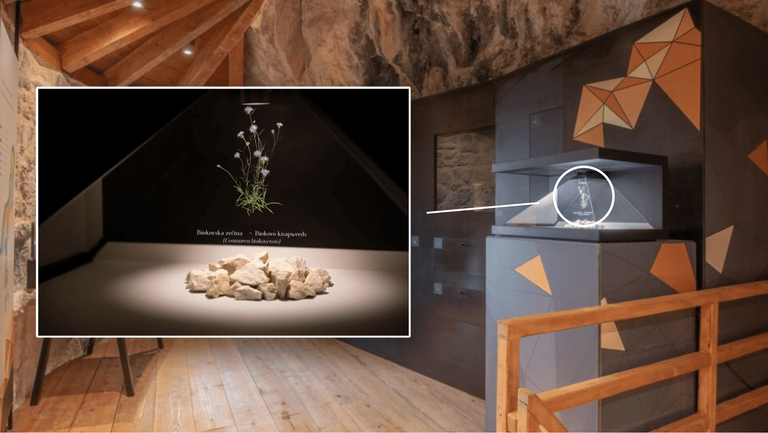
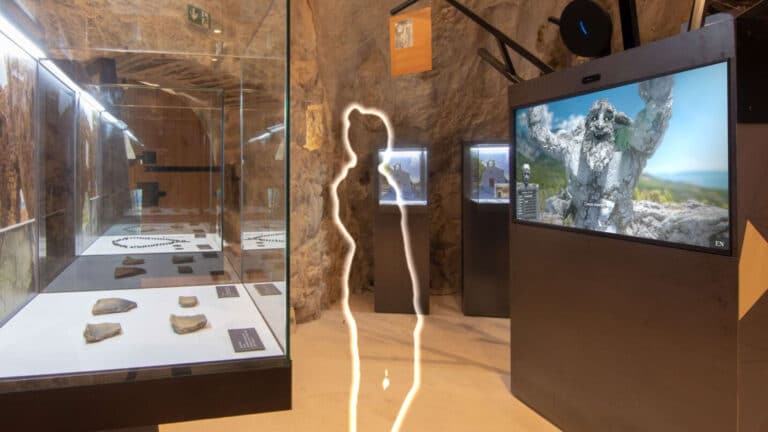

Museum multimedia did not begin with the touch screen. An image and a caption on an information panel already bring two media together to make a story accessible. Digital systems build on a long tradition of slide shows, text panels and dioramas, adding new ways to explore.
The field has grown enormously. As early as the 1990s, big museums like the Louvre, the Musée d’Orsay and the Met were selling digital collections of their exhibits on CD-ROM in their shops, with images, text, sound and sometimes educational films. In 1991 London’s National Gallery opened its Micro Gallery, a computer guide that let visitors explore what interested them, like a personal tour of the museum.
What was once reserved for big, wealthy institutions has become cheaper and more accessible. Today you can tour the Louvre virtually from your living room. With a glass of wine. Joie de vivre!


Interactivity: the visitor chooses
AR (augmented reality), VR (virtual reality) and educational games can make room for personal exploration and emotion. What visitors do matters as much as what the display looks like.
A film usually has a predetermined sequence of shots. Interactive content asks visitors to do something: choose, ask a question or set criteria. They can explore the collection themselves and decide which part of the story to follow.
Systems can be built in different ways. Some are hierarchical: you choose from a “menu” until you reach the end of what the system offers. Others are networked, like hypertext: the information is interlinked and visitors discover it by following the links.
A multimedia display can be a single interactive kiosk or a whole technology-driven exhibition. A kiosk can take you on a “journey” based on your interests: type in an artist or a theme and get more information, including which room the related works are in. For small galleries, interactive content can extend the exhibition catalogue and offer more context within a limited space. A searchable database of text, images and sound also works beyond the display — in education, guided tours, research and curatorial work, on site or remotely.


User experience (UX)
Interactivity means little on its own if it doesn’t hold attention. That’s where design, the interface, the controls and many other things come in — all summed up by one acronym: UX, user experience.
UX people like to point out that its roots go back to antiquity. The Roman architect Vitruvius, in the 1st century BC, asked three things of a good building: strength, usefulness and beauty (firmitas, utilitas, venustas). The same principles applied to an amphitheatre as apply today to an app, a game or a museum installation. Today we just add one more question: how do we make the interaction intuitive and pleasant?

Gamification
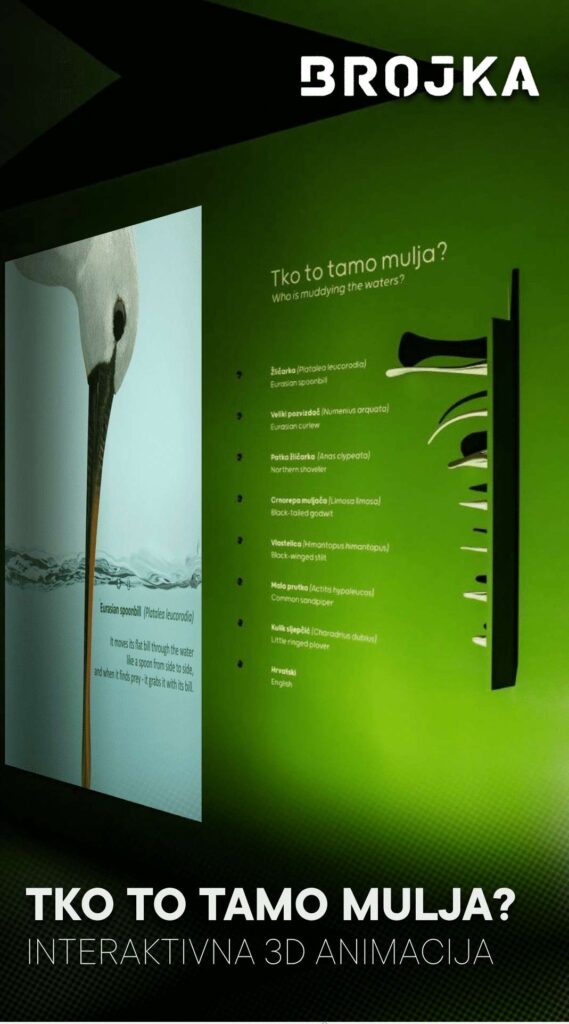
Gamification means shaping interaction with digital content on the model of a game. People of every age play games now, and the apps on our phones have borrowed their design, interface and mechanics from games. In a way we’ve all become gamers, whether we know it or not. Unsurprisingly, this has spread into education too. We describe what that looks like on a real project in Gamified content in augmented reality.
One of the basic principles of teaching is to match the programme to the learner’s pace. Interactive content lets visitors set that pace themselves, intuitively and enjoyably. Different media and forms of participation can offer visitors different ways to explore the material.
A game element is not an end in itself. A museum might invite visitors to compare two objects or choose the order in which they discover a story. They need to understand what they can do and be able to step back when they want to explore something else.
Where to start
A museum full of interesting material can become a playground for curiosity, with a new question in every room. A screen can help, but an object, a sound or a carefully written label can invite exploration too.
- Working together from day one. Museum and multimedia specialists collaborate from the exhibition concept onwards, not once the display is finished.
- A clear goal. What information needs to get across, how interactivity fits the collection, and what’s expected of it.
- The visitor at the centre. How much prior knowledge and time visitors have, and how not to overload them with data and visual monotony.
- The story. An interactive video or installation is only as engaging as the story in it.
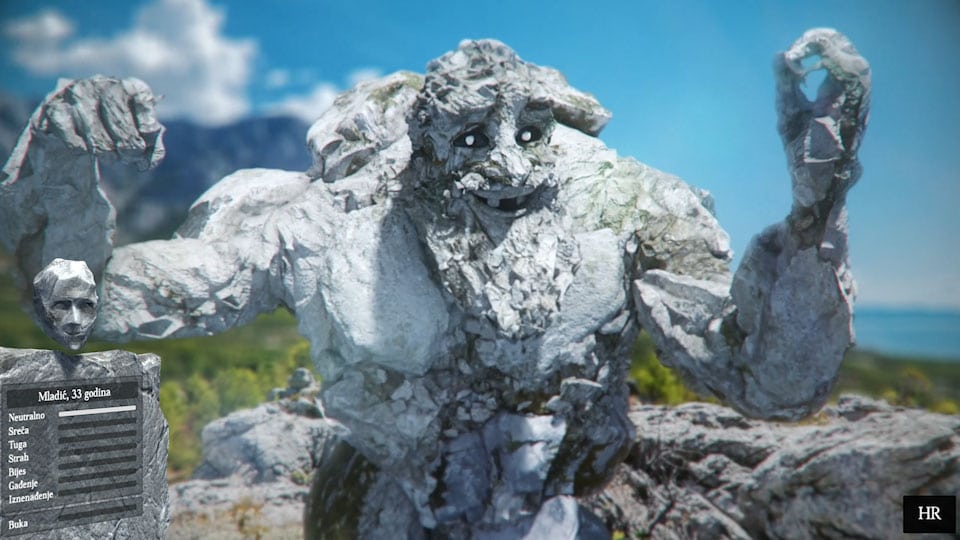
In the end, a multimedia system succeeds when its content appeals to the people it’s for. Content, it seems, is everything. We show what that looks like in a real exhibition, Sedamdesetprva, in Is there any museum life without multimedia?
Planning should also consider control height, captions, how many visitors share a device, maintenance and what happens if it fails. Accessibility needs to be tested in the actual setting with the people who will use it.
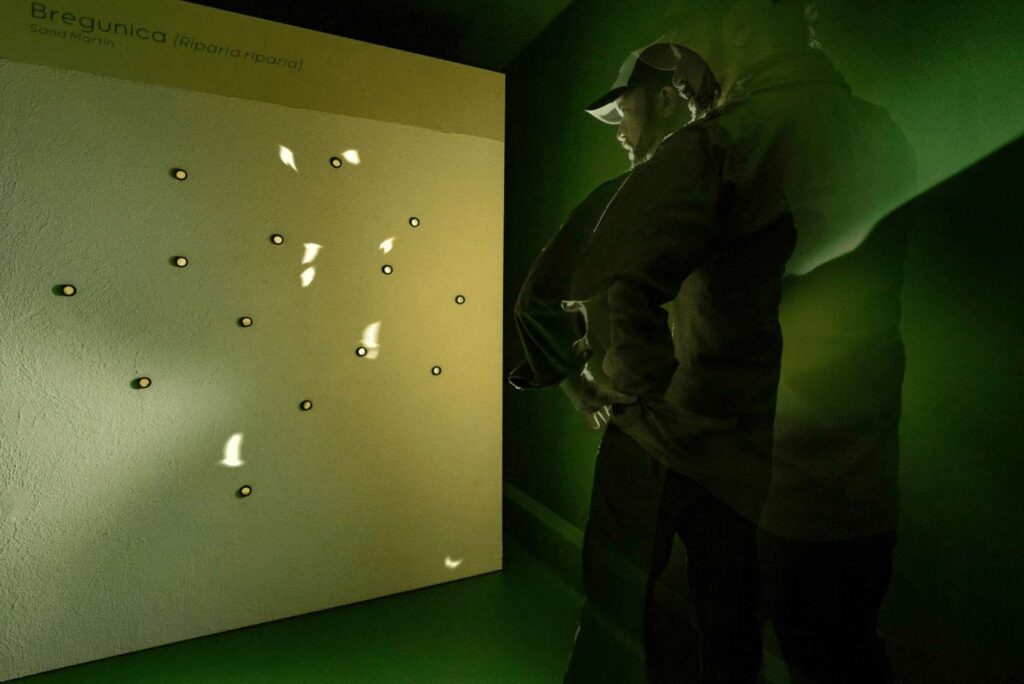
Source: Primjena multimedije u muzejima, Informatica museologica, 35 (1–2), 2004, 32–41.
For exhibition planning, explore interactive content, multimedia installations and app and game development.
Related reading
What can we do for you?
Your privacy choices
Choose whether to allow YouTube/Vimeo videos and Google Analytics. Both are optional. You can change your choices at any time.
How your choices work
YouTube and Vimeo videos load only if you allow external media. Their providers then receive your IP address and browser information and may use cookies. You can use the website and contact us without allowing them.
With your separate permission, Google Analytics measures visits and successful form submissions. Google receives technical visit information and, for known campaign links, the source, medium and campaign label. Advertising measurement and Meta Pixel are inactive. We remember your choices for 180 days; you can change or withdraw them at any time.